NaviaCAIR for Patient Advocates — Know every client's story like it's your only one.
NaviaCAIR For Patient Advocates.

Know every client's story like it's your only one.

You're holding a dozen stories at once, each in a different portal, each with a family who expects you to already know. NaviaCAIR keeps every one of them straight, and keeps you in each family's loop without living in their inbox.

01 · Per client Each client has their own Care Story — the history, the findings, the current plan, and the next step — with every claim tied back to its source.
02 · Patient-controlled Clients invite you, or you ask for access. They choose the level, and they can change it at any time.
03 · Across your caseload Every client's appointments, open items, and medication lists in one workspace, each clearly marked with whose it is.
04 · Privacy by default The advocate role sees summaries and plans rather than original documents unless a client chooses to share more, and nothing is used to train outside AI models.
How it feels · Monday morning

Your whole caseload, before the first call.

Three clients across three health systems, on a Monday morning. This is what NaviaCAIR puts in front of you, and what it keeps out of your way.

Patients I help manage R. Okonjo · full record M. Alvarez · summaries1 T. Mendoza · summaries + 9 more
This week · across everyoneJun 1 – 5
  • Just now
    M. Alvarez — A new record was imported from Metro Endocrine Associates.
    Summary ready · summary-level access · original not shared
  • Mon 10:00
    R. Okonjo — Oncology follow-up
    Attending: you · 3 questions prepared
  • Tue
    T. Mendoza — Prior-auth call · imaging
    Open item · assigned to you
  • Tue 10:30
    M. Alvarez — CGM nursing visit
    Attending: Mike (son) · accepted
  • Thu
    R. Okonjo — Refill request · ondansetron
    Asked Dana (daughter) · waiting on a yes
Before Monday · R. OkonjoOncology follow-up
Since last visit
CT on May 19: stable nodes, no new findings. Ondansetron refilled May 22; nausea log shows a Tuesday pattern. CT_Report_2026-05-19.pdf · p. 1
Questions to bring
  1. Is the next scan at three months or six?
  2. Does the Tuesday nausea pattern change the plan?
  3. Who is the contact for the imaging prior auth?
Open items · 2
Refill request — asked Dana, pending.
Prior-auth call — you, Tuesday.
Full record shared by R. Okonjo · every line links to its source
Since you last checked · Friday → Monday
  • M. AlvarezA new record was added.
  • R. OkonjoDana completed “Pharmacy call”.
  • T. MendozaNothing new.

Illustrative example — names and details are fictional.

Whose it is, always

Every row shows which client it belongs to. Nothing is merged across clients, and access to one tells you nothing about another.

Their level, not yours

Each client decides what you see: summaries by default, or the full record if they choose. You can ask for more, but the decision is theirs.

Sources you can cite

Every summary line links back to where it came from — useful when you're the one asking the doctor to explain.

Where it started
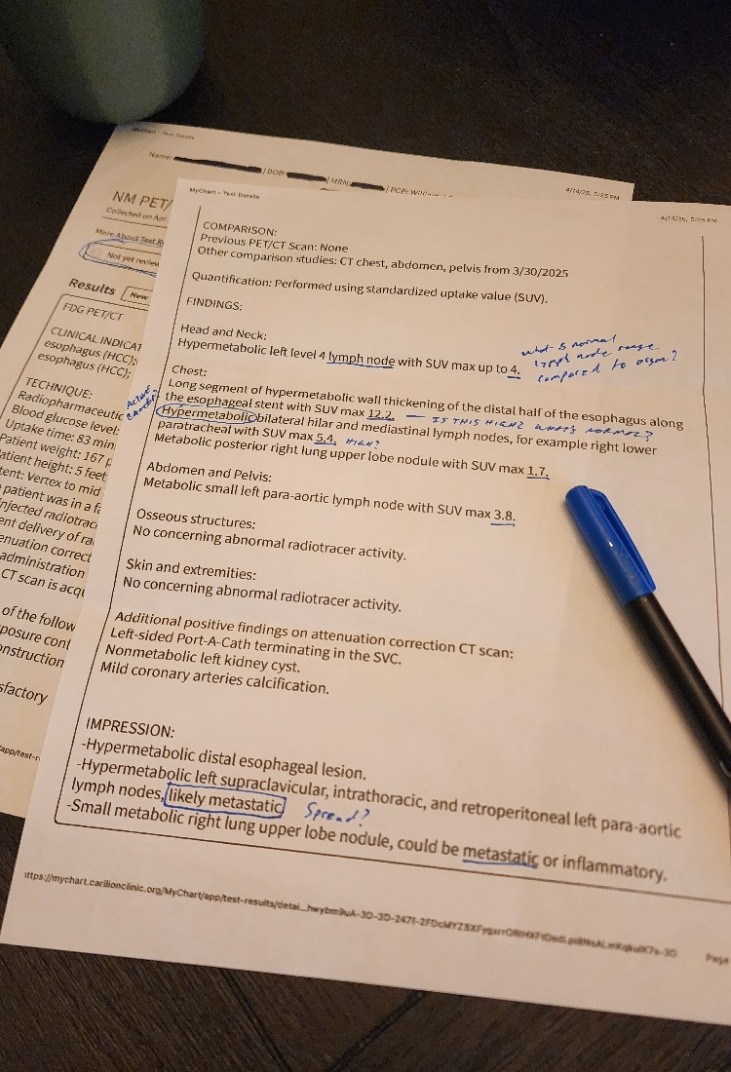
PET/CT scan report with handwritten caregiver questions in the margins.

"We had one person to keep track of. You have a caseload."

It was one family and one diagnosis, and it was still too much to hold.

NaviaCAIR grew out of caring for a family member through cancer — records scattered across portals and PDFs, dense language, never enough time before the next appointment. Advocates were the first to tell us they live that afternoon for every client. That's why every Care Story is per person, every summary is source-linked, and access always belongs to the patient.
What the families you serve tell us · ~250 responses

They're tired of retelling the story.

58%

say it's hard to explain their story to a new doctor.

"I'm tired of re-explaining my story to every new doctor." — Survey respondent

74%
say asking the right questions is the hardest part of a visit
64%
struggle staying organized across providers
50%
lose track of next steps after a visit
81%
are comfortable with AI supporting their care, when used responsibly
Collaboration · a seat on the care team

A seat on the team, not a bystander.

When a client adds you, you join their care team beside their family — with your own login, the level of access they chose, and the same coordination tools everyone else has.

01 · Care-team messages

Talk to the family inside the client's record.

You can post in the care-team thread or message one family member directly. Either way it stays scoped to that client rather than a general inbox, and you can link a message to the appointment or task it's about.

02 · Hand-offs that hold

Ask a family member to make the call, and know when it's handled.

You can propose that a family member cover an appointment or a follow-up. It becomes theirs when they accept, and the whole team can see who has it and what's still waiting.

03 · Comments in context

Leave the note where the next person will look.

A comment can sit on the appointment itself — “bring the medication list” — instead of in an email the family has to dig up later, and every note shows who wrote it.

04 · Catch up per client

Open a client and read what changed since you last looked.

Each client has a short “since you last checked” summary of new records, decisions, and hand-offs, so you don't have to reconstruct the week from three inboxes.

Caregiver
The full record, plus adding records, chat, and export — what a client grants when they want you to see what their family sees.
Guardian
Everything a caregiver can do, plus managing who else has access — usually a family coordinator rather than a professional.
Advocate · default for you
Summaries, plans, and chat, without the original documents — clear boundaries, and less sensitive material for you to safeguard.
Viewer
Read-only access to summaries, and nothing else.

Clients usually start you at Advocate and widen it deliberately. Access is per client, and it's theirs to give and take back at any time.

How it helps · Care Story

A Care Story for every client.

Records, summaries, findings, and next steps — organized per person, ready before you walk in.

Care Story · one client · synthetic data shown

1
How it started
Maria’s yearly check-up on 2025-11-04 found her blood sugar high; a plan was made to bring it down.
2
What was found
Type 2 diabetes, with BP and cholesterol above goal — pieced together from 12 documents across 4 organizations.
3
Current plan
Metformin doubled May 18; A1C improved 8.4 → 7.8. Glucose sensor pending insurance.
4
Next step
CGM nursing visit Jun 2. Bring BP numbers and pill bottles; book sensor training once approved.
What matters most
  • Reason for visit: Type 2 diabetes follow-up after an A1C of 8.4.
  • Key finding: A1C down to 7.8 on the higher metformin dose; BP still 138/86.
  • Also watch: Sulfa allergy on file; blood-pressure refill due in 5 days.
Ask Your CAIR Agent · Answers come with receipts

"Does this client's LDL of 102 need anything before the June visit?"

An LDL of 102 is just above the usual goal of 100 — and down from 121 in February. A drop like that usually means the current plan is working; guidelines generally favor continuing it and rechecking at the next visit rather than changing anything now. From their records: 2026-04-02_Primary_Care_Note.pdf

NaviaCAIR screens — synthetic patient data shown.

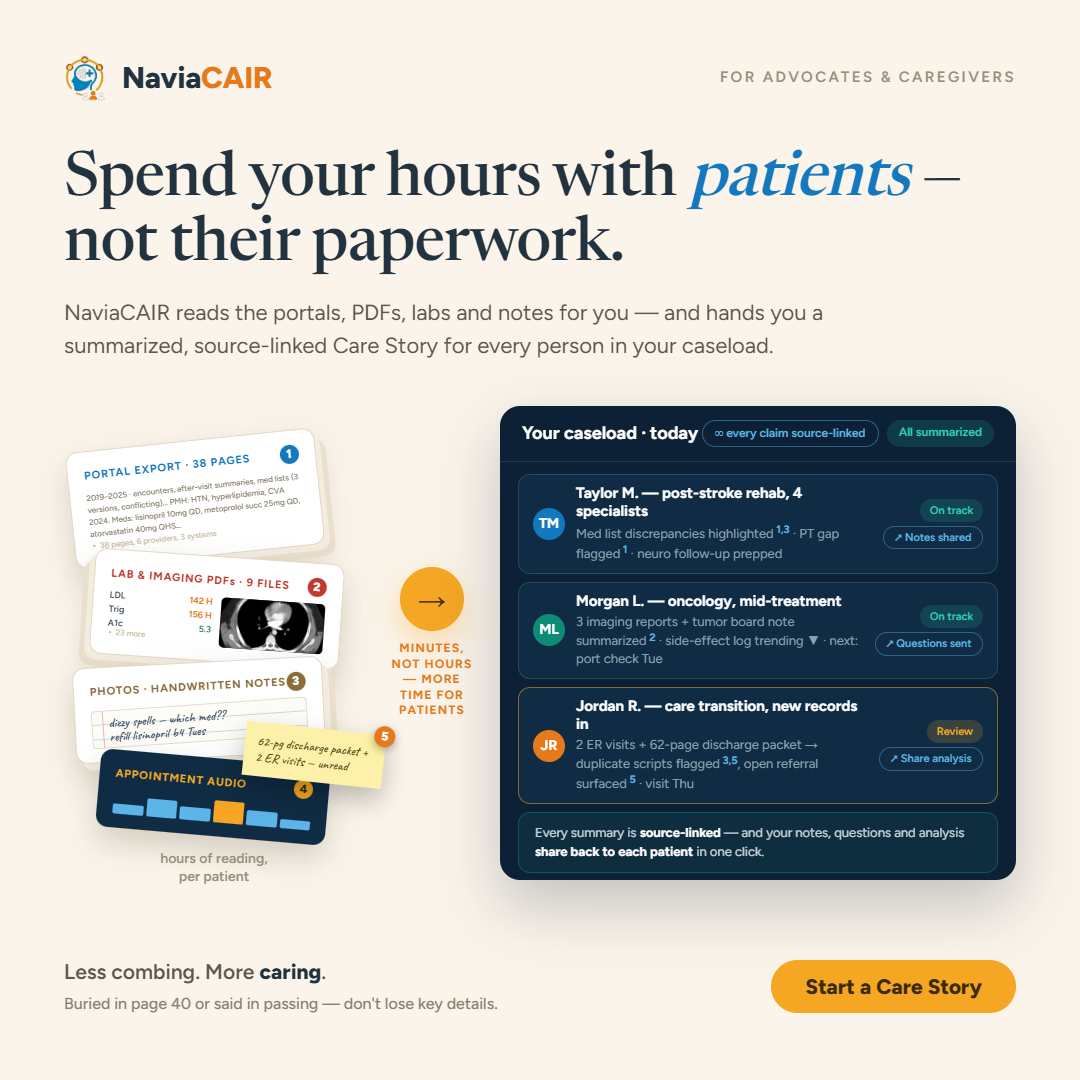
Spend your hours with patients — not their paperwork. Portal exports, lab PDFs, handwritten notes, and appointment audio become a summarized, source-linked Care Story for every person in your caseload.
Minutes, not hours — a source-linked Care Story for every person in your caseload.
Try it

Try the demo — no signup needed.

demo.naviacair.com

Open a sample case and watch a set of records become a Care Story.

Managing care for clients?
Advocate accounts are free to start —
email advocate@naviacair.com.

Follow along · @naviacair on Facebook · @navia_cair on Instagram